Installing The Plugin
1 min
The CinCraft UE Connect Plugin can be installed via the Epic Marketplace. Navigate to the Marketplace page and select “Install to Engine”
UE Connect is only available on Windows
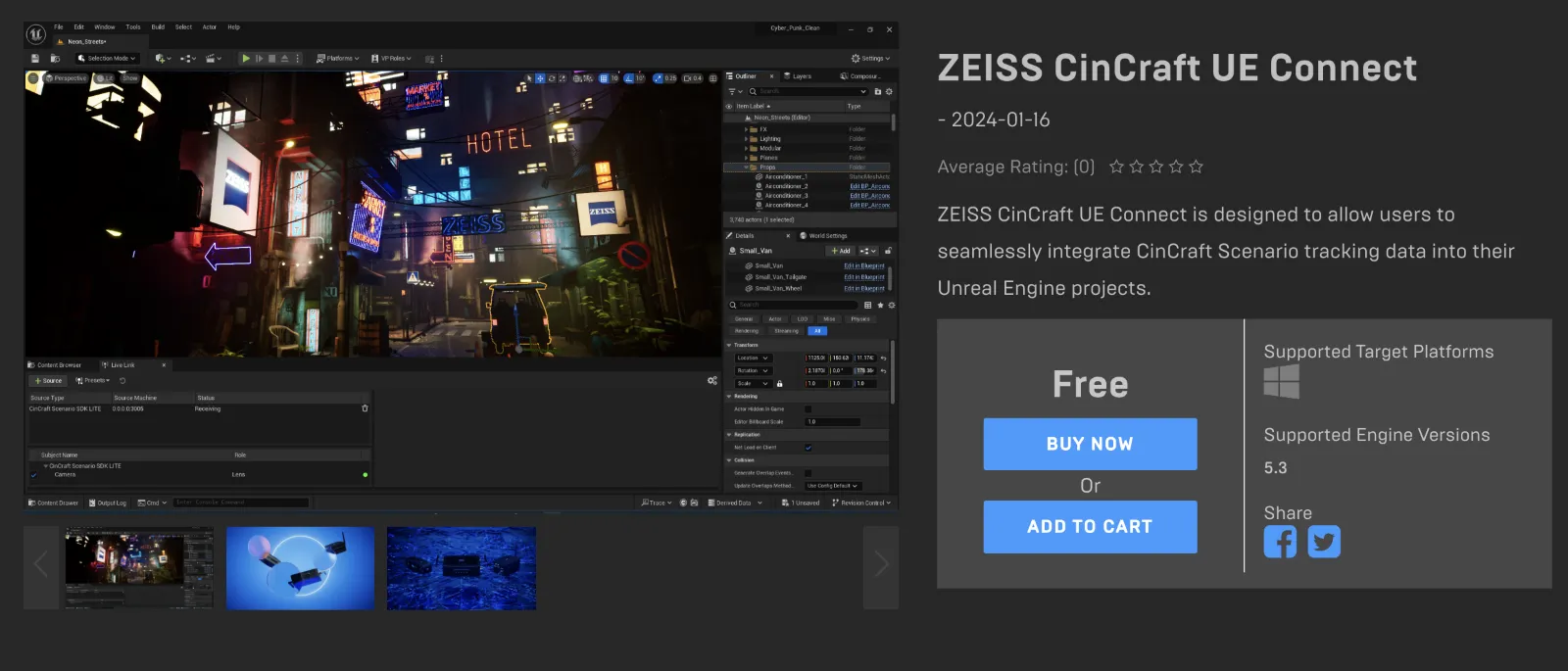
Once the plugin has been installed to the instance of Unreal Engine, it must be then activated on a project-by-project basis.
Open the Unreal project that you wish to add the plugin too and open the “Plugins” window
In the search box, enter “UE Connect” and enable the checkbox next to the search results
Once the plugin has been enabled it is necessary to restart Unreal Engine
