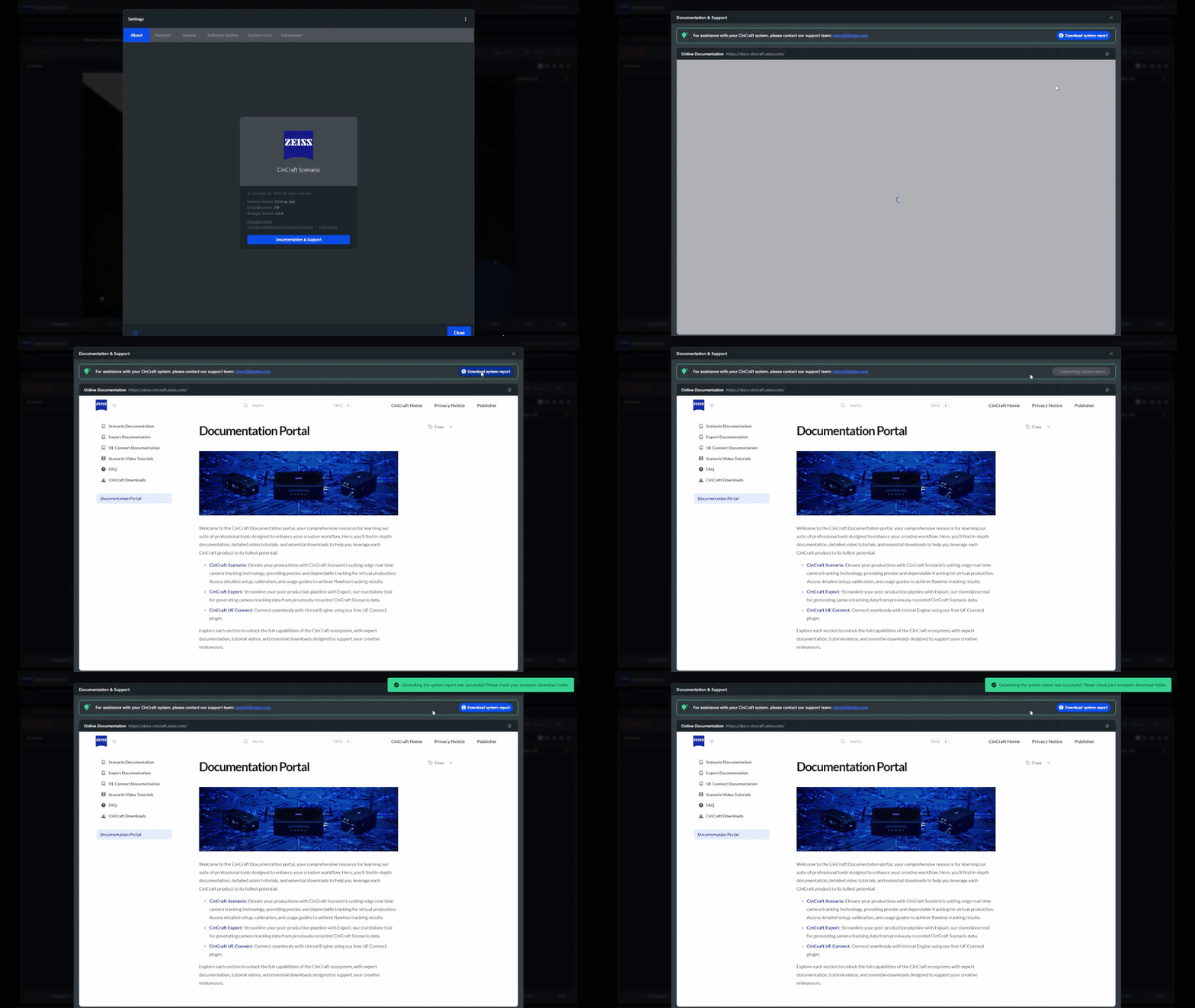
System Report
A complete system report can be generated to help with remote troubleshooting.
The system report will collect all logs from the Origin and Link (if connected) as well as the projects and tracking configurations contained on the system.
Depending on the size of the projects present on the system, the system report can take considerable time to generate >5 mins.
Do not try and download the system report immediately prior to wanting to use the system, or while it is being used, as system performance will be impacted while the logs are being collected. The logs will contain history of several days so it is not necessary to download them immediately following an issue.
Once all logs have been collected by the system, they will be compressed into a zip and be downloaded via the browser
A system report can only be downloaded when connected to the UI via a remote browser
The system report can be triggered from the About page of the Settings Panel.